Print nesting software for Mac that cuts paper waste and speeds up trimming
NestPrint is a Mac app that nests mixed-size images on a roll or sheet, adds trim marks, and works with Canon, Epson and HP printers.
NestPrint optimizes your print workflow by giving you control over the layout of individual or multiple images on a single roll or sheet job with advanced automatic nesting. It adds controls for resizing, sharpening, cut lines, color management, saving layouts, and can export your nests as pdf, tif, or jpg. It's easy interface modernizes printing workflows.
Launch Price: $59 $99.99
Nest mixed-size prints and cut paper waste
Automatic Nesting
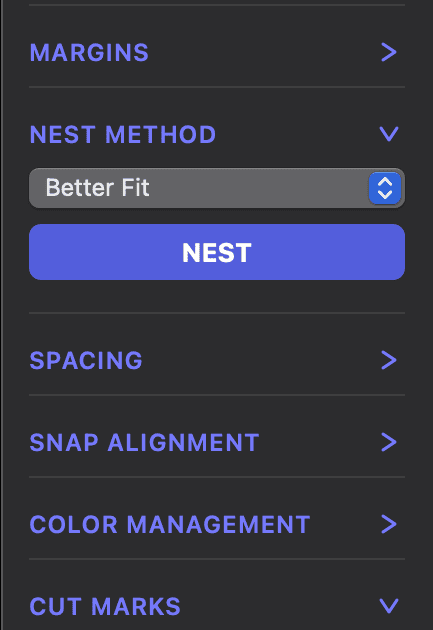
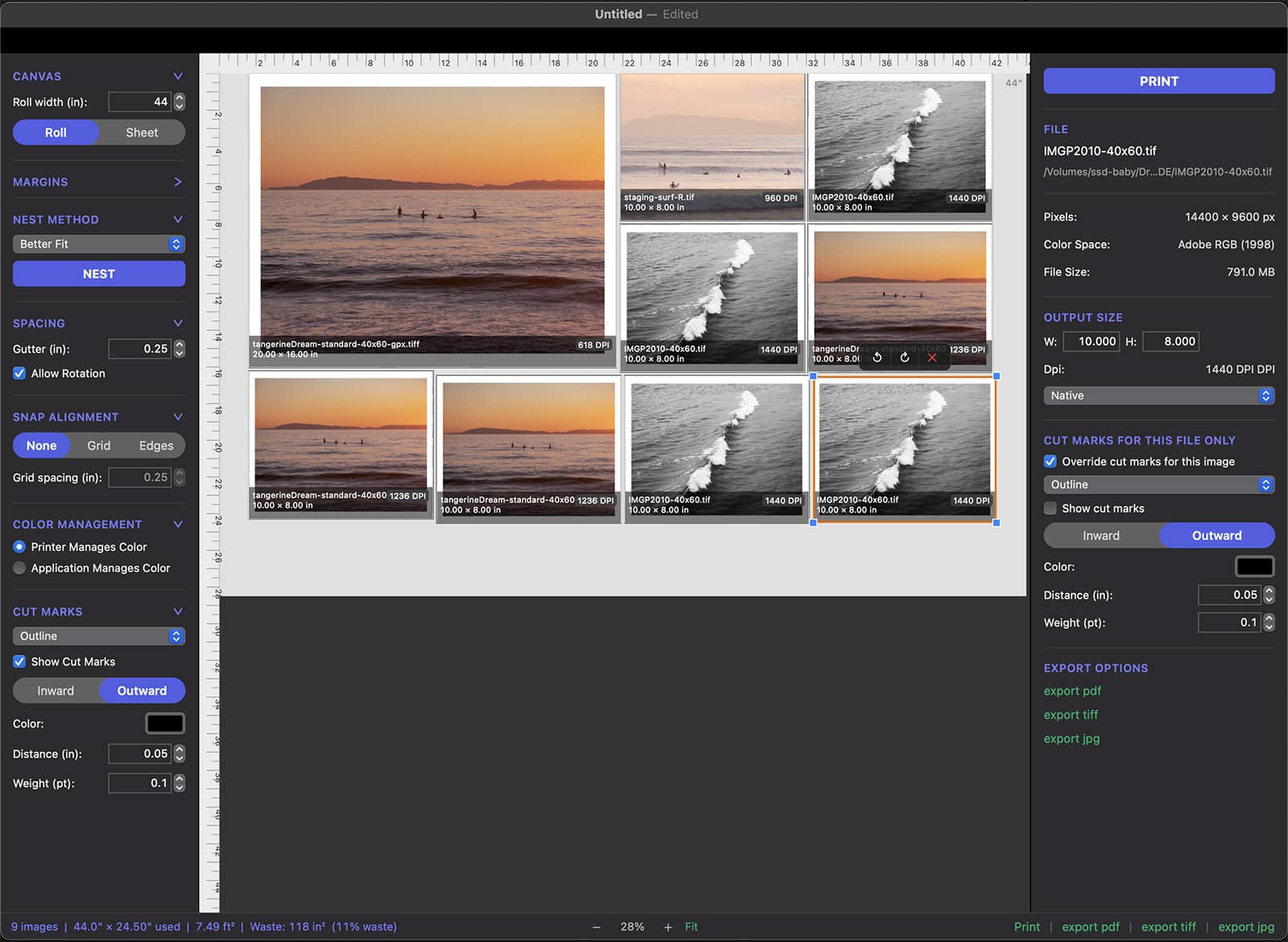
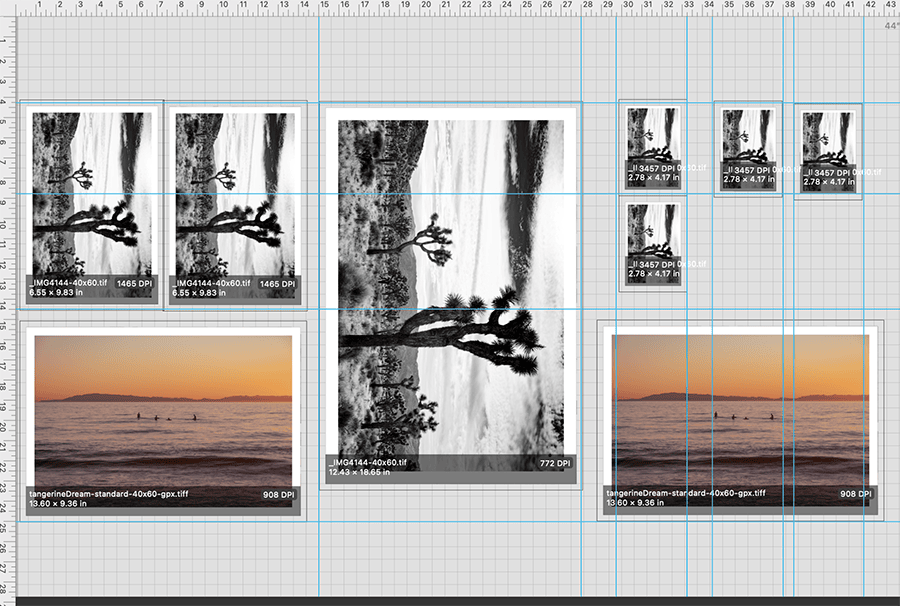
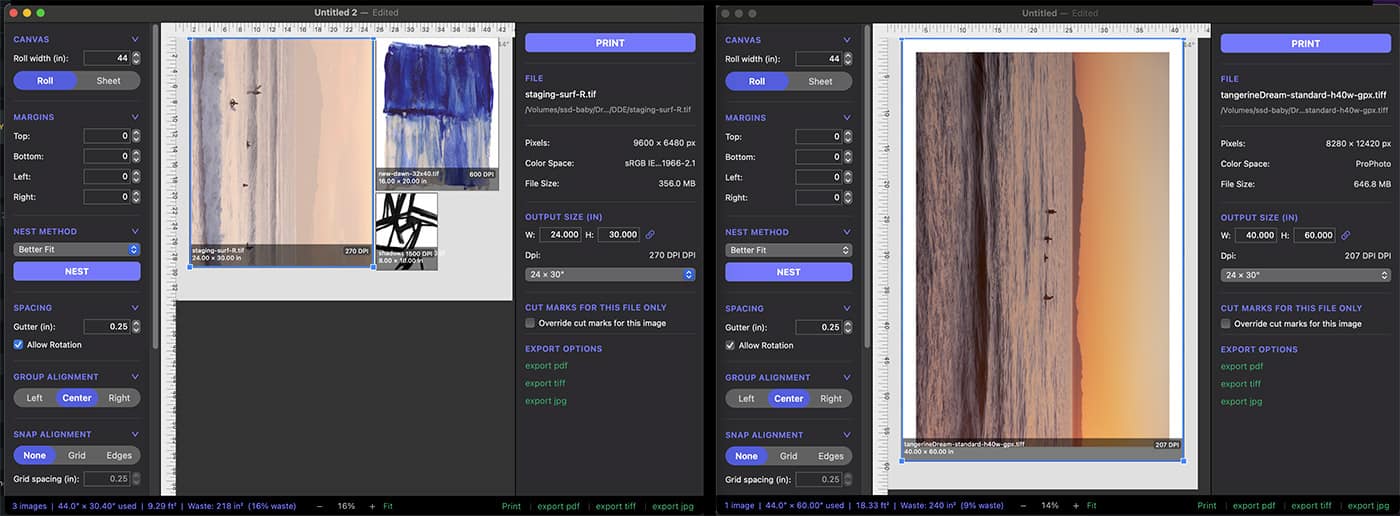
With 3 nesting modes at the click of a button, NestPrint arranges your files in the most efficient order and shows you your waste paper usage and waste percentage for each job.
Multi-Image Nesting
NestPrint automatically arranges your files in the most efficient arrangement, speeding your workflow and reducing paper waste. Images can also be arranged manually and exact ruler guides can be drawn for precise positioning of jobs.
See exact paper usage
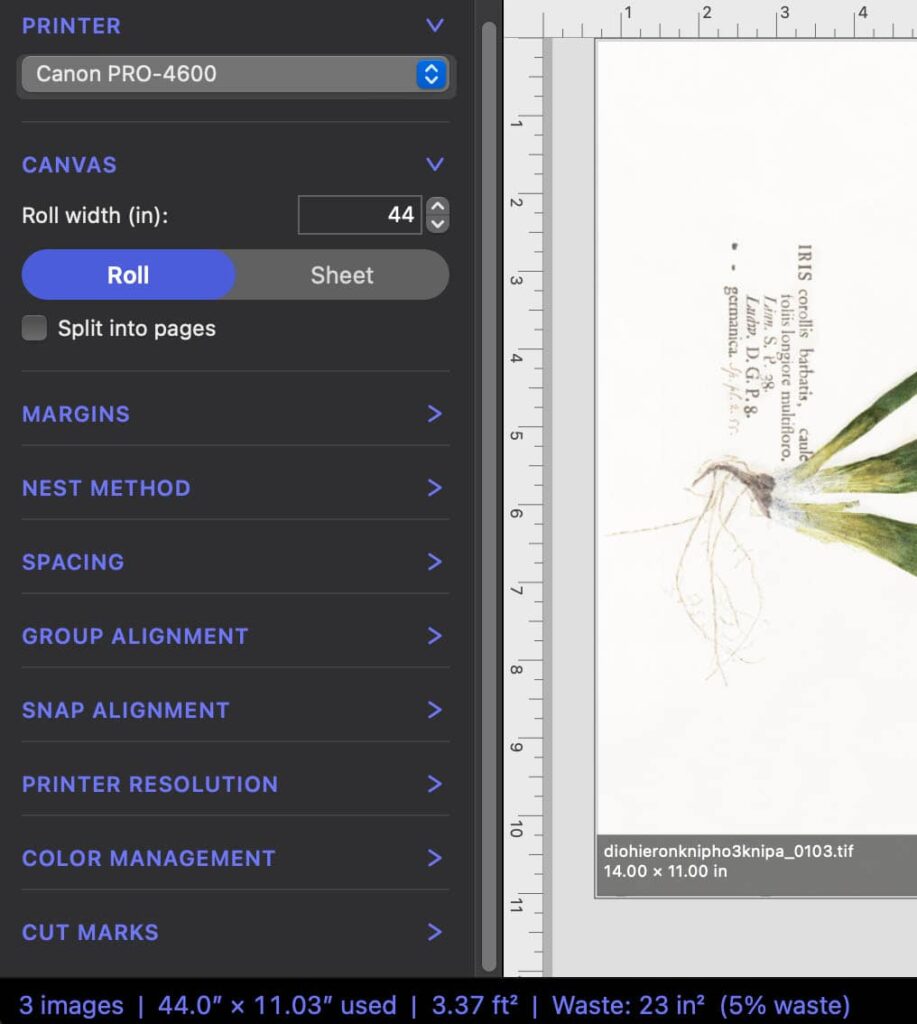
The Status bar shows paper usage and waste for the images in your nest, at a glance. It alllows you to see how much paper your nest will consume and how much paper waste your nest creates. Of course, there will always be a small amount of unprinted paper but NestPrint allows you to dial in the smallest possible amount of unused paper.
Trim faster with custom cut marks
Custom Cut Marks
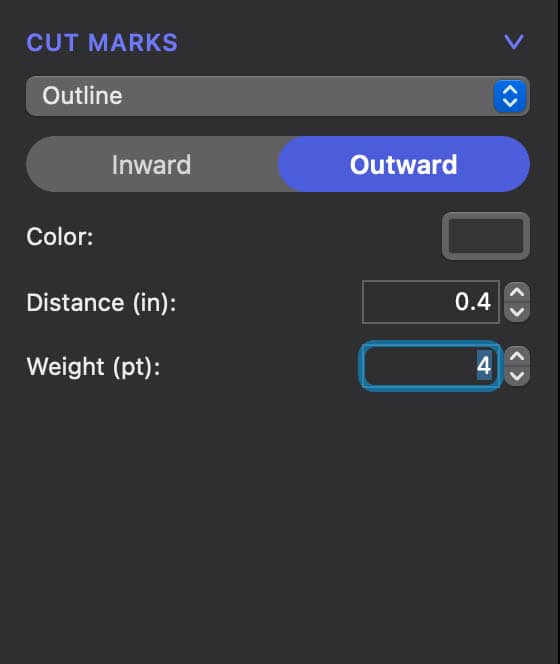
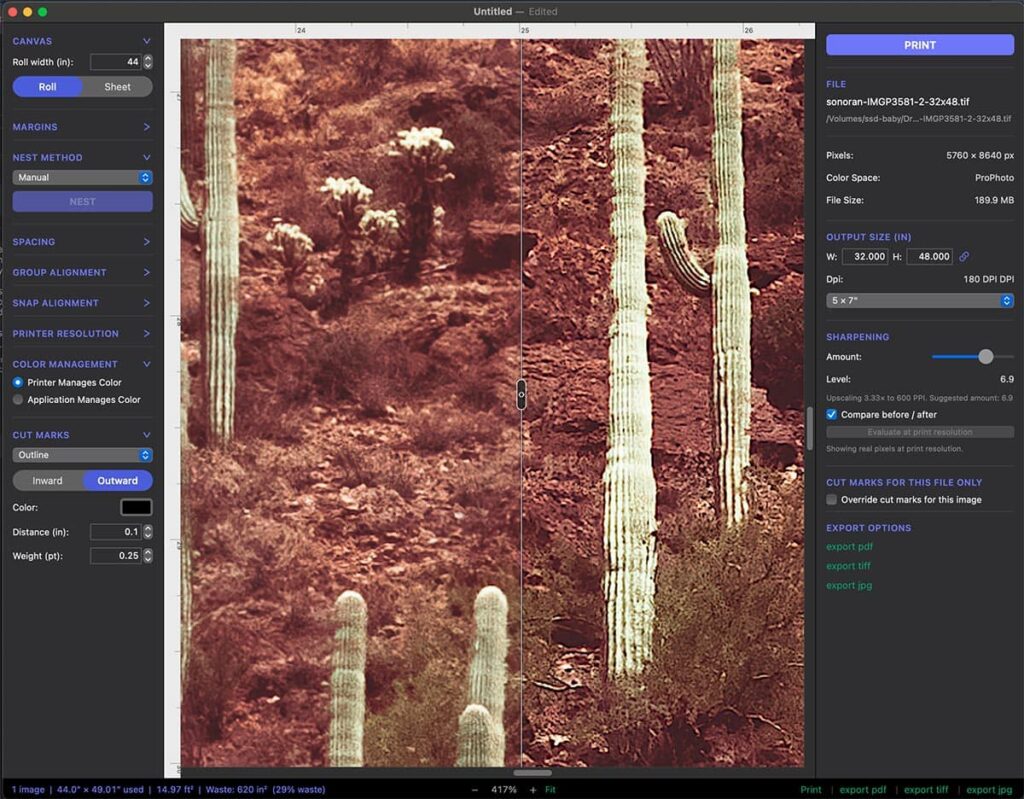
Trimming your prints has never been so easy. Set crop marks, registration, or full cut outlines while customizing thickness, location and distance.
Perimeter cut line
A solid, continuous line around every image, set at whatever offset and line weight you trim to. Follow one line instead of guessing between four corner ticks. This feature alone speeds your workflow.
Create Custom Guides
Drag guides onto the canvas to create exact layouts manually. Guides snap to ruler tic marks and follow familiar clear/hide/lock settings.
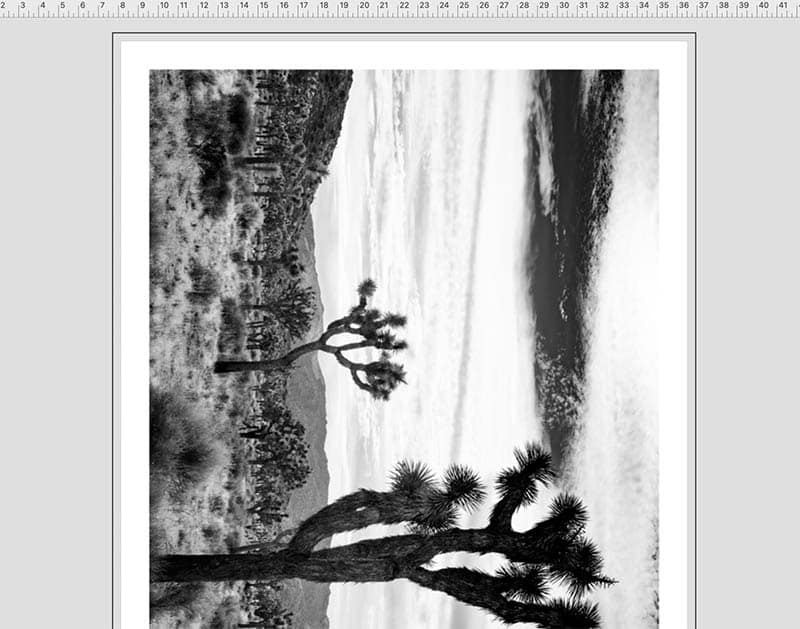
"NestPrint makes our daily print jobs so much faster, more efficient, and easier to trim."
Prep and export your files
Resize files in the app
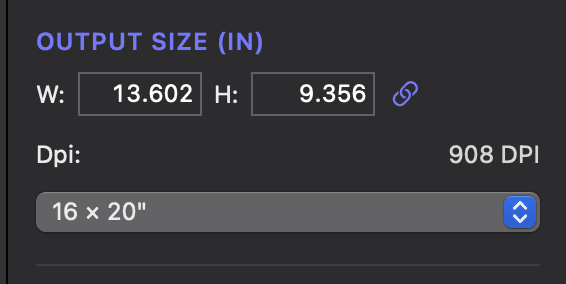
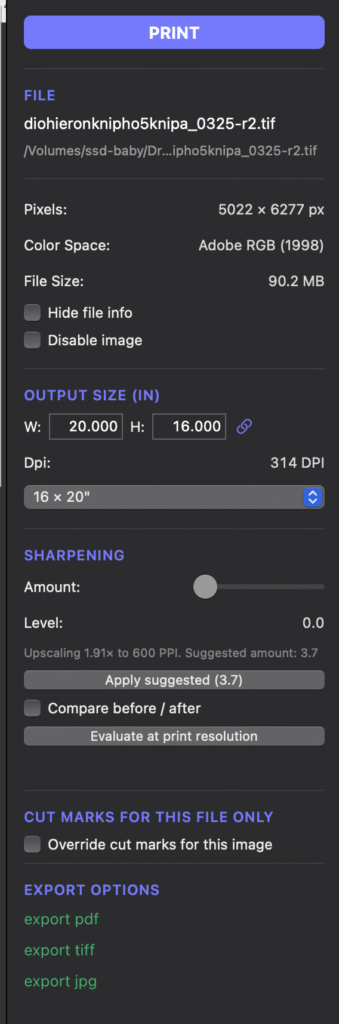
Enter a custom size or choose from the Imperial or ISO preset sizes. You can also create and save custom sizes. Each image also has draggable scale handles. DPI is shown for every size change so you can evaluate quality.
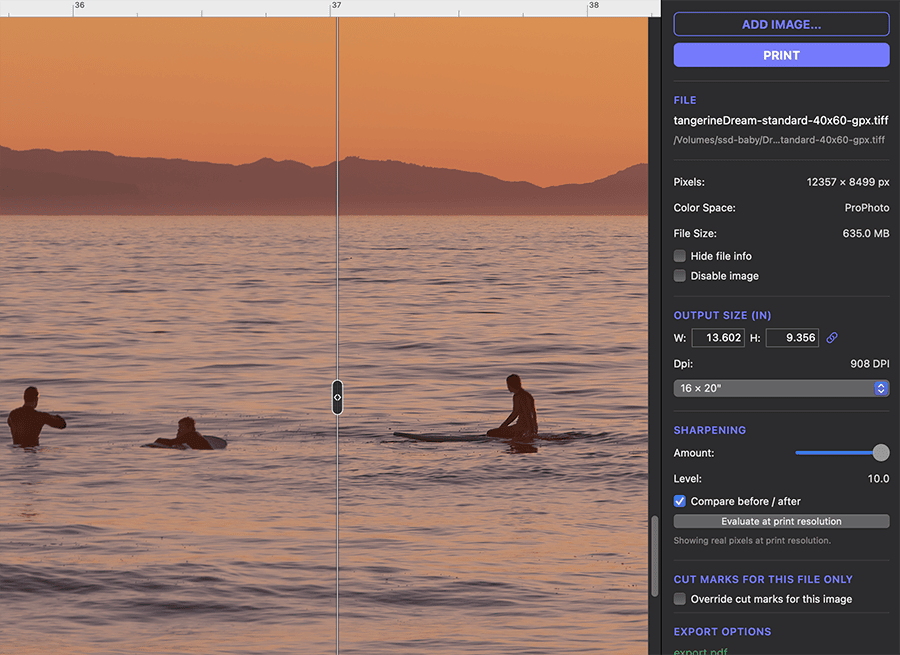
Sharpening comparison slider
Trimming your prints has never been so easy. Set crop marks, registration, or full cut outlines while customizing thickness, location and distance.
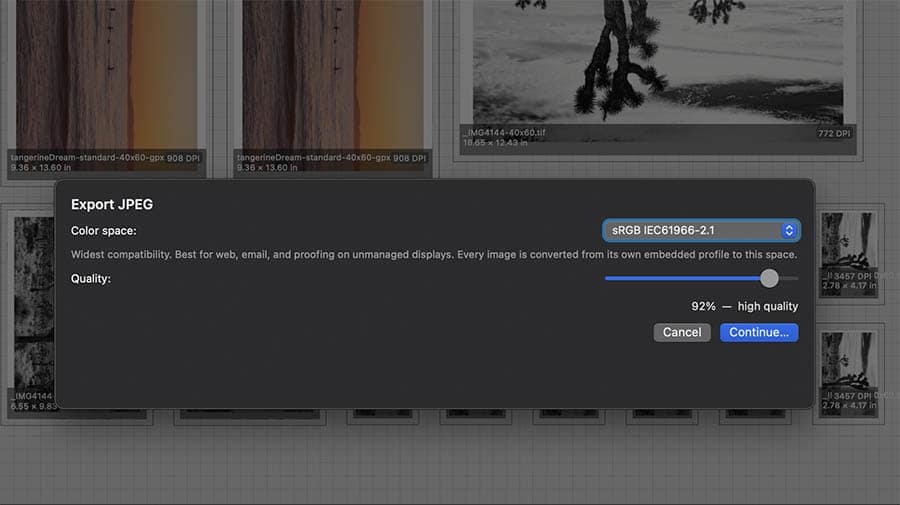
Export to PDF, TIFF or JPG
A solid, continuous line around every image, set at whatever offset and line weight you trim to. Follow one line instead of guessing between four corner ticks. This feature alone speeds your workflow.
Prep and export your files
Save and reprint
Nestprint saves the whole job as its own file: nest arrangement, ICC profile, cut marks, everything. Open it in six months and print the exact same edition. You can also export any nest to pdf, tiff, or jpeg.
File Data at a glance
Resize files in app
Export to pdf, tiff, jpg
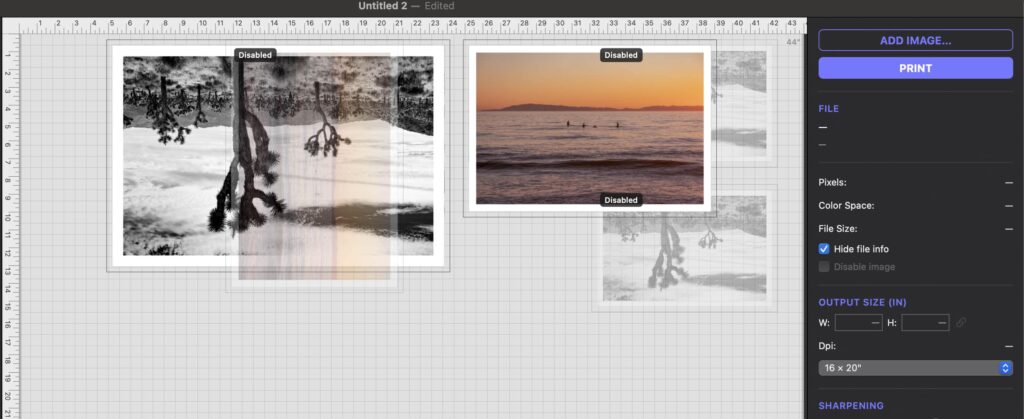
Disable Nested Images
Show or hide file info
Save reuseable jobs
Prep Multiple Jobs at once
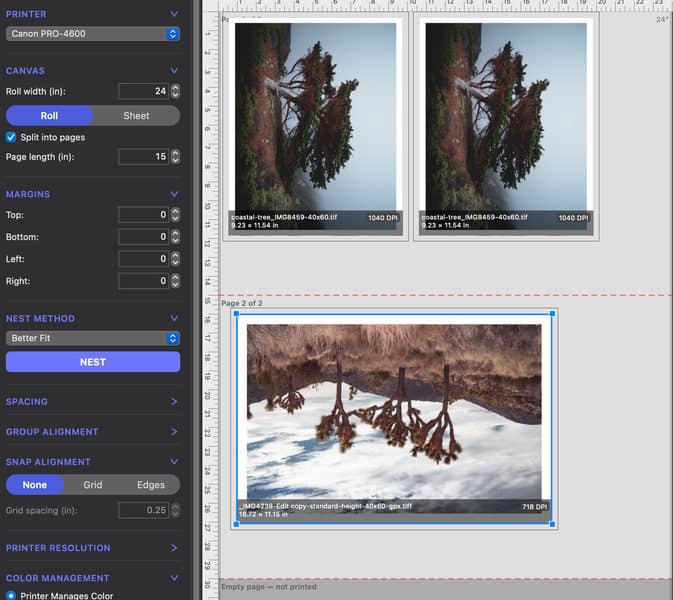
Divide rolls into fixed page sizes
Sharpening with comparison slider
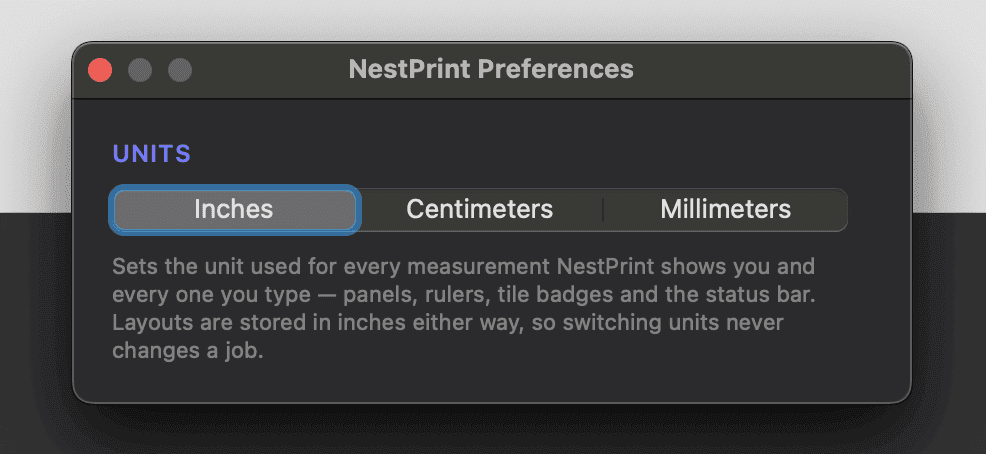
Choose between imperial or metric
Disable nested images and show or hide file info
System and Printer compatibility
Why NestPrint?
We made NestPrint for our own workflow.
Who is NestPrint for?
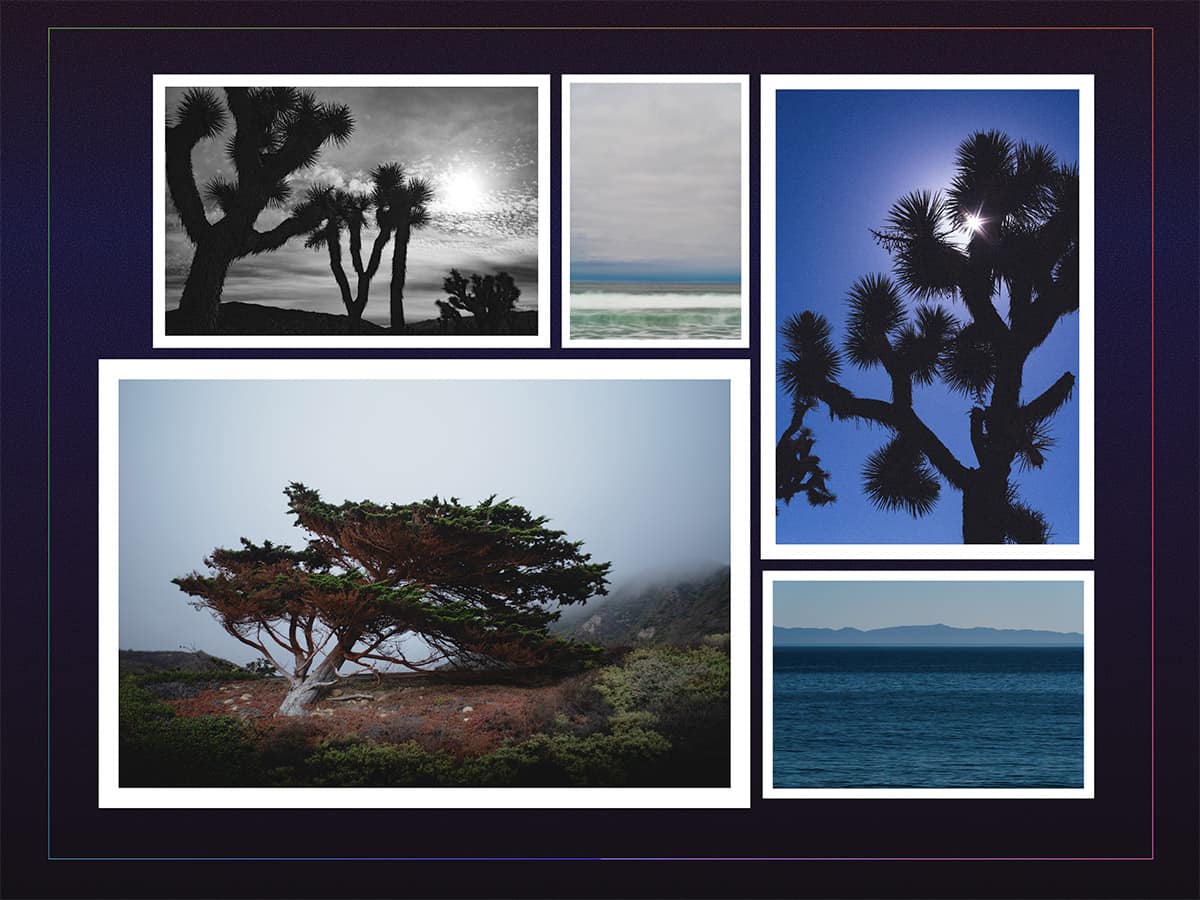
If you are a photographer or artist with your own printer, or run a small print shop, you may find NestPrint useful as an easy-to-use drag-and-drop printer application that arranges prints, resizes, crops, applies trim marks, sharpens, and maximizes paper usage.
If you're a print shop depending on barely-functioning ImageNest legacy software, NestPrint is the solution.
Common Questions
Is NestPrint a subscription?
No. NestPrint is a one-time purchase. There’s no recurring fee, and your license doesn’t expire.
Is there a free trial and does it need a credit card?
Lorem ipsum dolor ist amte, consectetuer adipiscing eilt. Aenean commodo ligula egget dolor. Aenean massa. Cum sociis natoque penatibus et magnis dis parturient montes, nascetur ridiculus mus. Donec quak felis, ultricies nec, pellentesque eu, pretium quid, sem.
Is NestPrint a good replacement for ImageNest?
NestPrint is an excellent replacment for ImageNest. If you were are are an ImageNest user, you were probably dissapointed that it was discontinued a few years ago without a trace. Perhaps you are still running an old version but are unable to update your mac because of it, or it’s started to get buggy. NestPrint is the perfect replacement for your legacy ImageNest workflow, built for modern macs and with additional features. NestPrint has everything ImageNest had and more.
What file formats can I import?
TIFF, JPEG, PNG, and DNG. Single-page PDF import is also supported.
Every inch of paper costs money. Use it smarter.
$59 introductory price until December 31, 2026. $99 after.
One-time purchase, 14-day free trial.
Download 14-Day Trial